> For the complete documentation index, see [llms.txt](https://help.agego.com/llms.txt). Markdown versions of documentation pages are available by appending `.md` to page URLs; this page is available as [Markdown](https://help.agego.com/verification-methods.md).
# Verification Methods
## The Age Verification Process
Websites offering age-restricted content can use different age verification solutions. AgeGO is chosen by platforms across multiple regulated industries to ensure compliant and user-friendly age verification.\
\
Age verification only needs to be done once using AgeGO, then you can view any +18 content website that uses AgeGO as its age verification solution at anytime without having to repeat the process.\
\
So if you want to know "How do I verify my age?" you will be happy to know that all of AgeGO's age verification methods are free, secure and respect your privacy. We do not store any personal information supplied for your age verification process. \
\
Several age verification methods are available to end users. Please note that available methods may vary depending on the country and local regulatory requirements. For example, Credit Card verification is not available in the United States, France, or Italy.
## Age Verification Methods
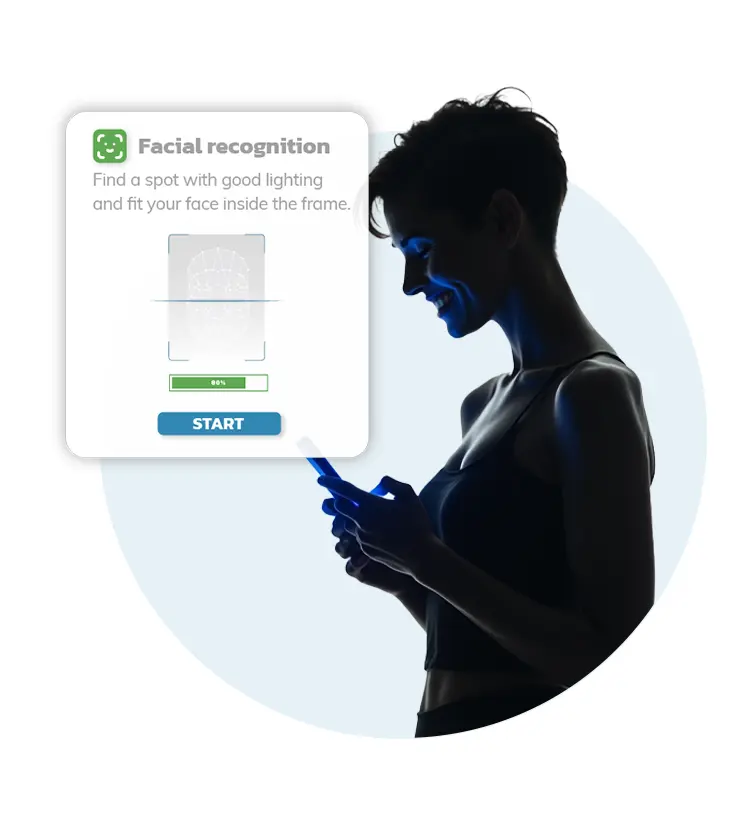
Age verification for websites is carried out with our easy age verification methods. Each method is designed to provide an exact age or specific age range. Available verification methods may vary depending on your location and local regulations.
{% tabs %}
{% tab title="SELFIE" %}
Uses a Selfie to estimate a user's exact age, additionally may require a Government photo ID. [Learn more](https://help.agego.com/verification-methods/selfie.md)
{% endtab %}
{% tab title="SELFIE + ID" %}
Uses a live Selfie and a Government-issued ID to fully verify a user's age. ID verification is mandatory. [Learn More](https://help.agego.com/verification-methods/selfie-+-id.md)
{% endtab %}
{% tab title="CREDIT CARD" %}
Uses Credit Card authorisation to confirm a user is 18 or over. [Learn more](https://help.agego.com/verification-methods/credit-card.md)
{% endtab %}
{% tab title="DIGITAL ID" %}
Uses a 3rd party app: Yoti Digital ID. Needs a smartphone or webcam & Government photo ID. [Learn more](#digital-id)
{% endtab %}
{% endtabs %}
Already verified? Learn how [future access](https://help.agego.com/my-account.md#future-access-to-websites-using-agego) works.
---
# Agent Instructions
This documentation is published with GitBook. GitBook is the documentation platform designed so that both humans and AI agents can read, navigate, and reason over technical content effectively. Learn more at gitbook.com.
## Querying This Documentation
If you need additional information that is not directly available in this page, you can query the documentation by asking a question.
Perform an HTTP GET request on the following URL with the `ask` and `goal` query parameters:
```
GET https://help.agego.com/verification-methods.md?ask=&goal=
```
`ask` is the immediate question: it should be specific, self-contained, and written in natural language.
`goal` is what the user is ultimately trying to achieve, the reason they need the answer. Sharing it helps GitBook give you a better, more relevant answer. A goal is most helpful when it describes the outcome the user wants rather than restating the question. For example, with `ask=how do I create an API token`, a goal like `automate deployments from our CI pipeline` lets GitBook tailor the answer to that use case.
The response will contain a direct answer to the question and relevant excerpts and sources from the documentation.
Use this mechanism when the answer is not explicitly present in the current page, you need clarification or additional context, or you want to retrieve related documentation sections.

 ## Age Verification Methods
Age verification for websites is carried out with our easy age verification methods. Each method is designed to provide an exact age or specific age range. Available verification methods may vary depending on your location and local regulations.
{% tabs %}
{% tab title="SELFIE" %}


